Field engineer notes after every site visit.
LogicNotes helps field engineers remember customer issues, site details, promised fixes, parts, next steps, and follow-up.
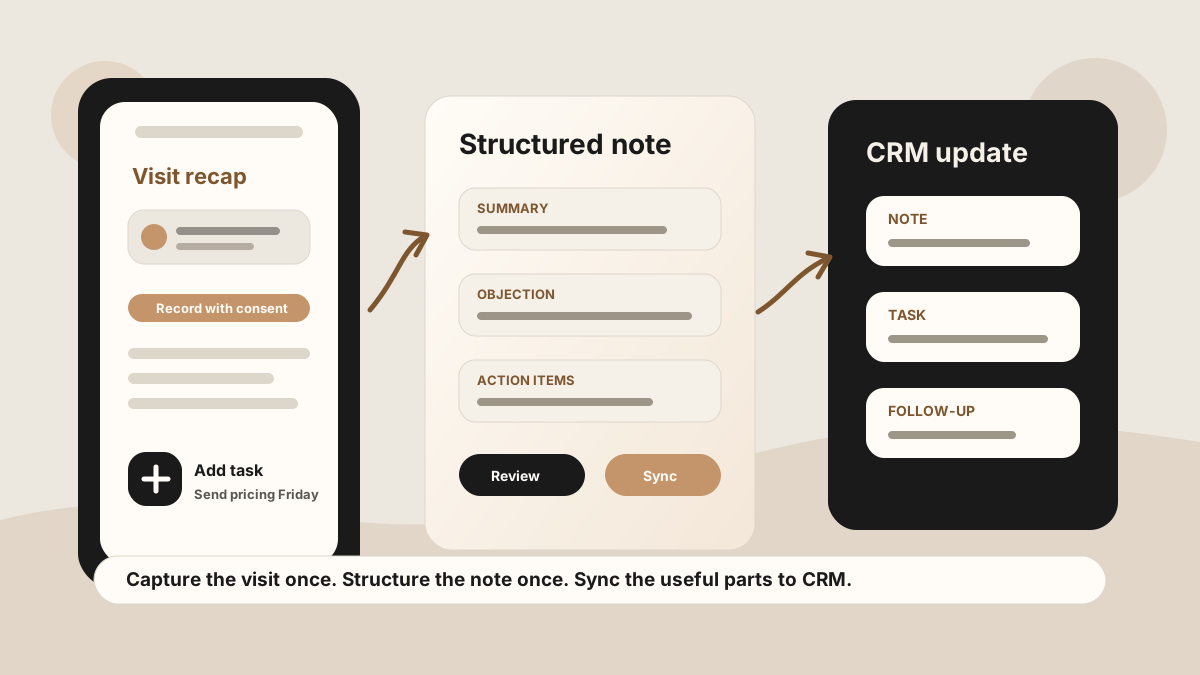
Remember the issue, site context, fix, customer promise and follow-up after each visit.
LogicNotes in one paragraph.
LogicNotes is an iOS app for in-person meeting notes. It helps teams record customer conversations on iPhone, generate AI summaries and action items, and sync meeting notes to Salesforce, HubSpot, Zoho CRM, Dynamics 365, or Google Sheets.
No meeting bot joins the conversation. LogicNotes is built for face-to-face meetings where the useful output is follow-up, CRM context, and searchable meeting history.
Keep site visit details clear after the appointment.
Location notes, equipment context, customer constraints, access details, and photos to check later stay easier to review.
Symptoms, impact, customer language, attempted fixes, and open questions stay connected to the account.
Parts to order, follow-up calls, return visits, and customer requests can become clear action items.
Meeting notes and follow-up context can move into CRM or Google Sheets so the next person has the full story.
Field engineer questions.
How can field engineers use LogicNotes?
Use LogicNotes after site visits, service calls, inspections, and customer handoffs to review notes, action items, dates, and follow-up.
Can LogicNotes help with site visit notes?
Yes. It can help structure site details, customer issues, promised fixes, parts, next steps from completed meeting notes.
Can field teams send notes to CRM or Sheets?
LogicNotes supports CRM and Google Sheets workflows for teams that want field visit context in their customer records.
Does LogicNotes replace ticketing or service systems?
No. LogicNotes helps capture and review meeting context so useful notes and follow-up can support the service, ticketing, or CRM tools your team already uses.