A field sales app for reps who sell face to face.
LogicNotes gives field teams a clean path from customer conversation to follow-up: capture the visit, get the sales summary and next steps, and let the context sync to CRM automatically.
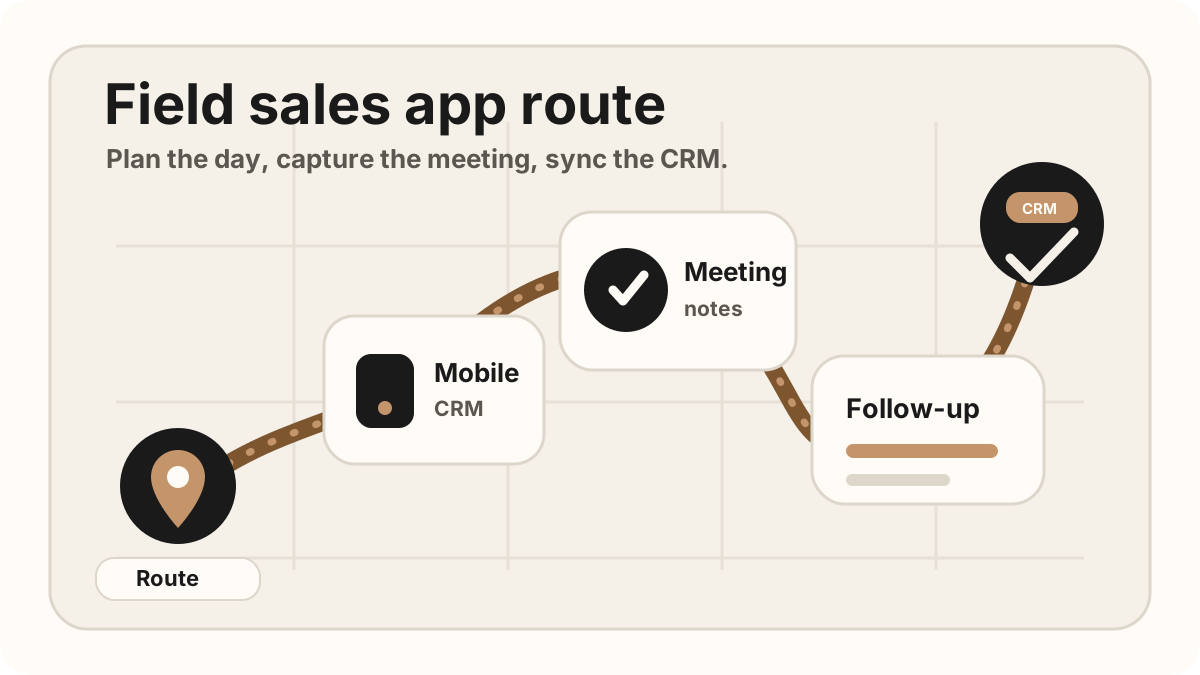
Route tools tell reps where to go. LogicNotes captures what happened in the room and what the team needs to do next.
LogicNotes in one paragraph.
LogicNotes is an iOS app for in-person meeting notes. It helps teams record customer conversations on iPhone, generate AI summaries and action items, and sync meeting notes to Salesforce, HubSpot, Zoho CRM, Dynamics 365, or Google Sheets.
No meeting bot joins the conversation. LogicNotes is built for face-to-face meetings where the useful output is follow-up, CRM context, and searchable meeting history.
The visit turns into usable sales work before the day gets away.
LogicNotes is the layer between the customer conversation and the systems that need the result.
Use iPhone capture with clear consent, or add a quick recap when recording is not right for the meeting.
Summaries, objections, buyer signals, promises, next steps are organized for review.
Action items become clear enough for reps, managers, and customer-facing teams to act on.
Meeting notes and tasks move to Salesforce, HubSpot, Zoho CRM, Dynamics 365, or Google Sheets.
From customer stop to CRM-ready follow-up.
The field sales workflow should feel light for the rep and complete for the team. LogicNotes keeps the rep out of mobile admin mode while still producing the details the business needs.
Start with the account context
Reps walk into the visit with the customer, opportunity, and last meeting in mind.
Capture the conversation
LogicNotes records or captures the recap, then turns the discussion into a sales summary.
Send the work downstream
Tasks, next steps, and CRM-ready notes move into the tools your team already uses.
Use LogicNotes beside the field tools you already have.
Get reps to the right accounts.
Keep using route planners, maps, and territory tools for coverage and logistics.
Keep the system of record clean.
Use Salesforce, HubSpot, Zoho CRM, Dynamics 365, or Google Sheets for pipeline, account history, and reporting.
Turn the meeting into the next action.
Capture what changed in the room and let it become follow-up tasks and CRM context automatically.
Field sales app questions.
What is a field sales app?
A field sales app helps reps plan visits, capture customer context, create follow-up tasks, and keep CRM records useful while they are away from a desk.
Where does LogicNotes fit in a field sales app stack?
LogicNotes fits in the meeting-notes and CRM handoff layer. It records in-person meetings with consent, creates AI summaries and action items, and syncs meeting notes to CRM or Google Sheets.
Does LogicNotes replace route planning or CRM software?
No. LogicNotes complements route planners and CRMs by capturing what happened in each customer conversation and turning that context into follow-up and CRM-ready notes.
Can LogicNotes sync notes to Salesforce or HubSpot?
Yes. LogicNotes supports CRM sync workflows for Salesforce, HubSpot, Zoho CRM, Dynamics 365, and Google Sheets.