What LogicNotes helps you do after a meeting.
Talk to your customer. Tap record. LogicNotes helps write the notes, send the useful parts to your CRM, and find what was said later.
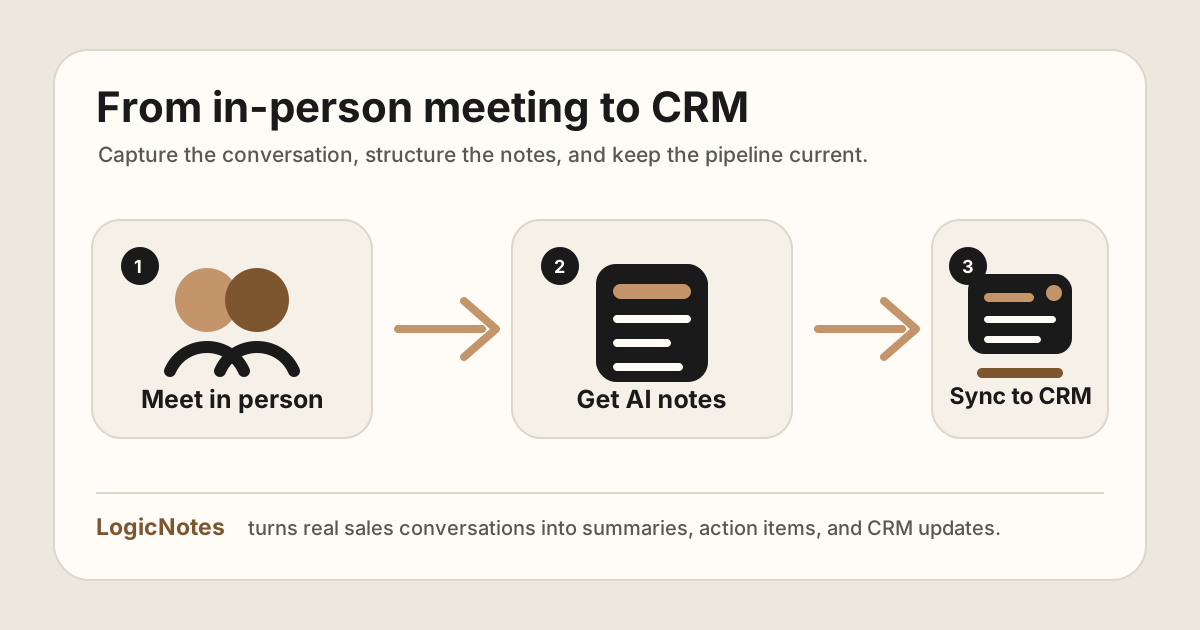
You have the conversation once. LogicNotes helps you keep the important bits.
LogicNotes in one paragraph.
LogicNotes is an iOS app for in-person meeting notes. It helps teams record customer conversations on iPhone, generate AI summaries and action items, and sync meeting notes to Salesforce, HubSpot, Zoho CRM, Dynamics 365, or Google Sheets.
No meeting bot joins the conversation. LogicNotes is built for face-to-face meetings where the useful output is follow-up, CRM context, and searchable meeting history.
Four simple things LogicNotes does.
No complicated product map. These are the jobs people come here to solve.
Turn a customer visit into clean notes.
Record the meeting, then review the summary, next steps, customer details and next steps.
Notes to CRMPut the useful parts in your CRM.
Send meeting notes and follow-up tasks to Salesforce, HubSpot, Zoho CRM, Dynamics 365, or Google Sheets.
AI searchAsk old meetings what happened.
Find promises, risks, dates, people, and next steps without reading every note again.
MCP notesLet authorized AI tools read meeting notes.
Give compatible agents read-only access to completed notes, summaries, transcripts, and action items.
Meet. Review. Follow up.
LogicNotes is for the simple moment after a meeting: you need good notes, clear next steps, and a CRM that is not empty.
Record the conversation
Use your phone so you can listen instead of typing.
Notes sync to your CRM
AI summaries, tasks, and customer details land in your CRM automatically.
Check and search later
Fine-tune anything in the CRM, then search completed meetings when you need the answer.
Pick the job you want help with.
Capture the meeting and review the useful notes.
Sales meeting notes to CRMSend notes to CRMMove meeting notes and tasks into the customer record.
AI search meeting notesFind answers laterAsk completed meetings what was said or promised.
MCP meeting notesLet AI tools read notesShare completed meeting context with authorized agents in read-only mode.