Let AI agents read completed meeting context safely.
LogicNotes MCP gives compatible agents read-only access to completed meeting notes, summaries, transcripts, and action items while CRM changes stay in the normal product workflows.
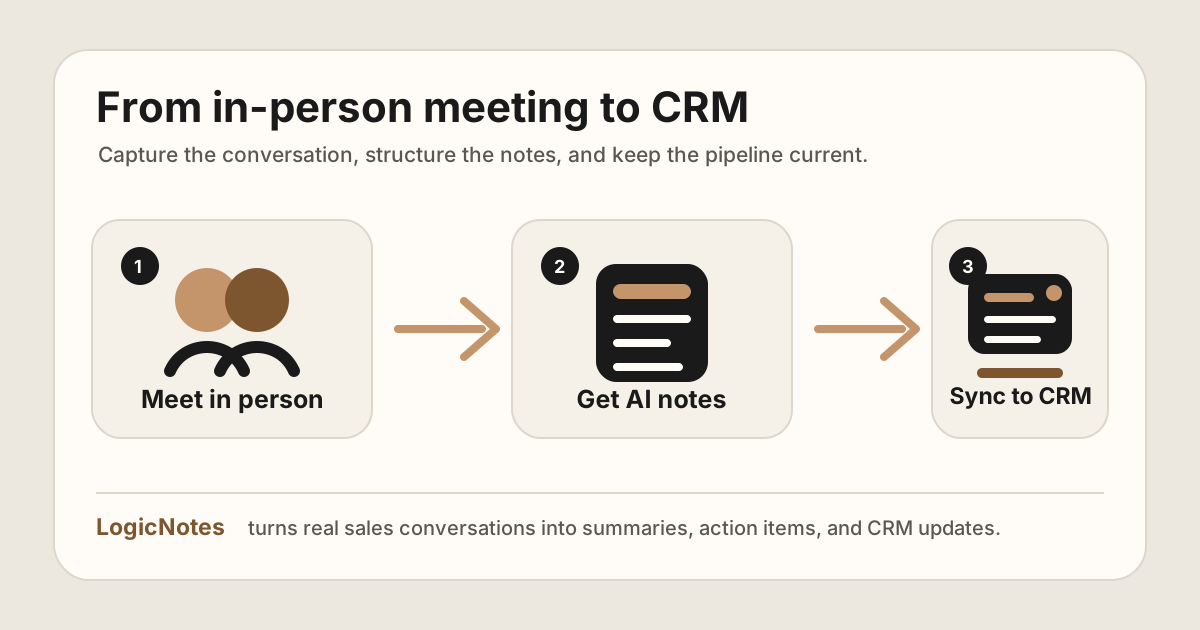
The agent can retrieve context. The CRM sync path stays separate.
LogicNotes in one paragraph.
LogicNotes is an iOS app for in-person meeting notes. It helps teams record customer conversations on iPhone, generate AI summaries and action items, and sync meeting notes to Salesforce, HubSpot, Zoho CRM, Dynamics 365, or Google Sheets.
No meeting bot joins the conversation. LogicNotes is built for face-to-face meetings where the useful output is follow-up, CRM context, and searchable meeting history.
Give agents useful context without giving them the keys to the record.
Fetch summaries and action items before a return visit or manager review.
Search completed meetings for objections, urgency, buying signals, and open follow-up.
Use meeting history to help draft a recap while final sending stays human-controlled.
Find completed meetings with open tasks, missing review, or unresolved customer asks.
Read-only access sits on top of completed meeting work.
LogicNotes first captures and structures the meeting. MCP then lets compatible agents retrieve that finished context for analysis, prep, and drafting.
Complete the meeting workflow
Capture, summarize, and sync through the normal LogicNotes process.
Connect read-only retrieval
Let compatible agents search and fetch completed meeting context for analysis and prep.
Keep changes outside read-only access
CRM updates, note edits, and customer-facing sends stay outside read-only agent access.
What agents can retrieve and what stays protected.
Search and fetch completed meeting context.
Agents can retrieve notes, summaries, transcripts, action items, commitments, and prior customer context.
- Prepare account briefs from prior meetings
- Find open follow-up and risks
- Draft internal recap material from completed context
Changes are outside MCP access.
Editing notes, changing CRM data, changing action items, and sending customer messages are outside read-only MCP access.
- No direct CRM changes through read-only access
- No edits to original meeting notes
- No customer messages sent from retrieved context
MCP meeting notes questions.
What is MCP for meeting notes?
MCP for meeting notes lets compatible AI agents query completed meeting records through a controlled interface instead of relying on manual exports or pasted notes.
Is LogicNotes MCP read-only?
Yes. LogicNotes MCP is positioned as read-only access to completed meeting context. It does not let agents change CRM data, edit notes, or change action items.
What can an agent fetch through LogicNotes MCP?
An agent can search or fetch completed meeting notes, summaries, transcripts, and action items depending on the connected workflow and user permissions.
How should sales teams use MCP safely?
Start with read-only workflows, keep CRM writes in the normal CRM sync path, and use MCP to retrieve context for analysis, prep, and follow-up.